
Configuration
Pause & quality presets
Section titled “Pause & quality presets”Press Pause mid-recording to freeze the encoder (SIGSTOP); the timer
stops and the paused stretch is left out of the footage. Resume continues
into the same file.
from castmane.config import AppConfigcfg = AppConfig()cfg.apply_quality_preset("high") # "draft" | "balanced" | "high"| Preset | fps | Bitrate |
|---|---|---|
| Draft | 24 | 4 Mbps |
| Balanced | 30 | 8 Mbps |
| High | 60 | 16 Mbps |
Capture source
Section titled “Capture source”from castmane.config import AppConfigcfg = AppConfig(capture_mode="window") # "fullscreen" | "window" | "ask"# X11 fixed region (0 = full screen):# cfg = AppConfig(region_x=100, region_y=200, region_w=1280, region_h=720)# X11 single window (id from `xwininfo`):# cfg = AppConfig(capture_mode="window", window_id=123456)On Wayland, window / ask switch the portal dialog from monitors to
windows (or both). On X11, ask lets you drag the region with the mouse
(ffmpeg -select_region), while region_* / window_id give scriptable
control. Crash-safety is unchanged: region and window recordings still go
through the .part + atomic-rename pipeline.
Language & theme
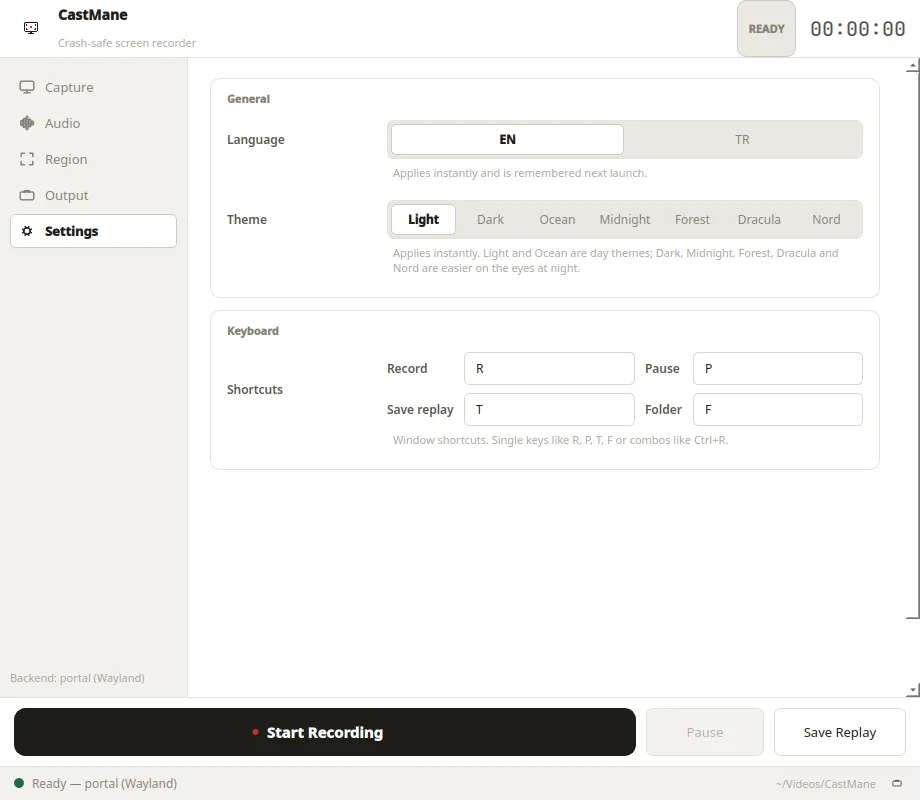
Section titled “Language & theme”The Settings tab switches the UI language (EN / TR) and the theme
(Light / Dark). Both apply instantly and are stored in
~/.config/castmane/settings.json, so they survive restarts:
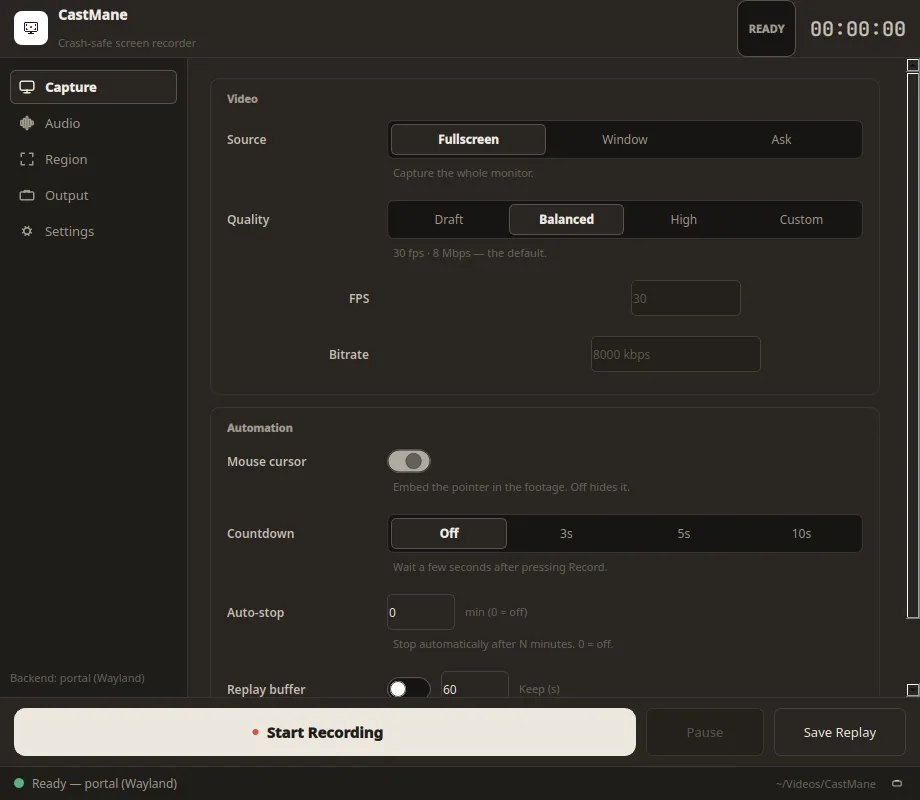
Dark theme in action:
from castmane.config import AppConfigcfg = AppConfig(language="tr", theme="dark")